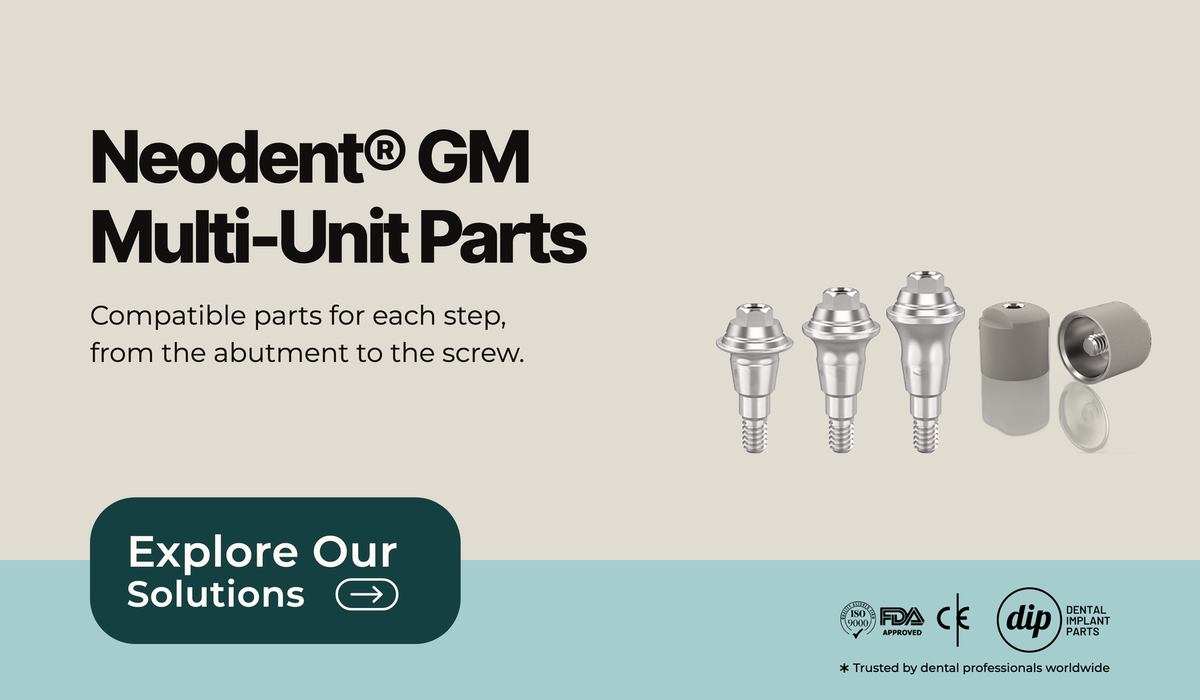
In a screw-retained full-arch case on Neodent® GM implants, the prosthesis does not connect to the implants directly. Each implant gets a multi-unit abutment, and every part ordered after that, from the healing cap to the prosthetic screw, connects to the top of the abutment.
This guide lists the parts in the order a clinic or lab uses them, with the dip dental™ part listed for each step and its lowest tier price. For implant-level Neodent® GM restorations, see our Neodent® GM digital workflow guide.
The order of parts in a Neodent® GM multi-unit case
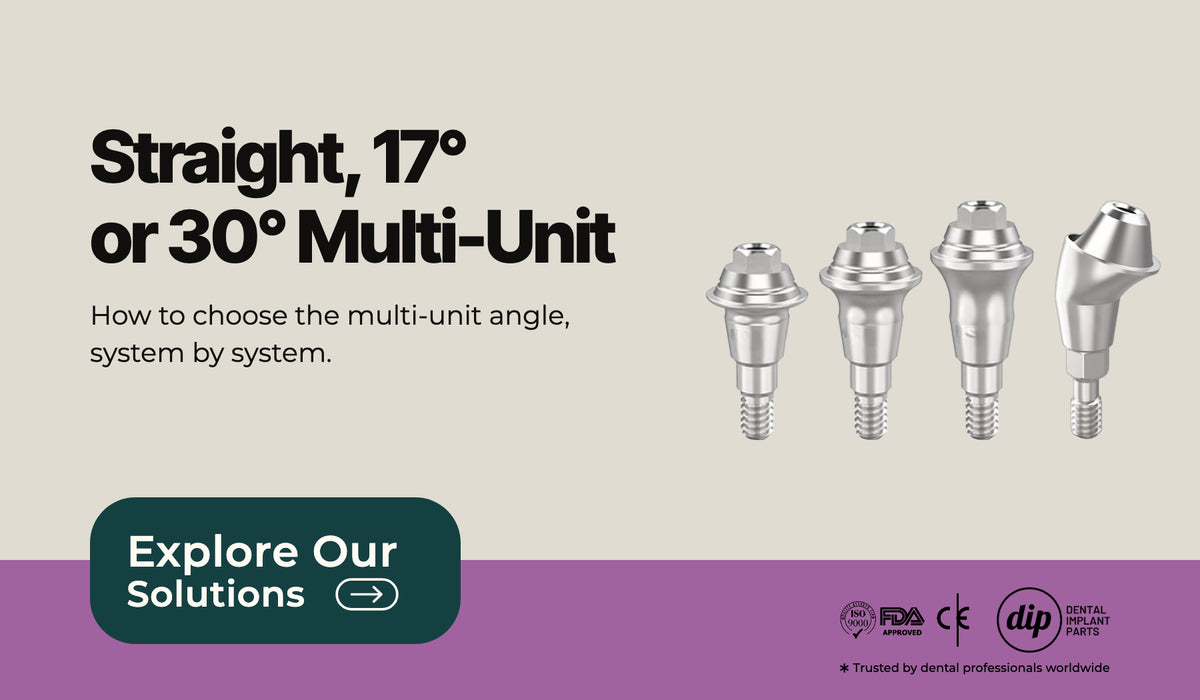
- Multi-unit abutment on each implant: straight, 17° or 30°
- Healing cap on the abutment between visits
- Scan body or open tray impression coping to record the abutment position
- Lab analog in the model
- Ti-base, Ti sleeve or temporary cylinder for the prosthesis
- Prosthetic screw to fix the prosthesis to the abutments
Prices below are the lowest tier price shown on each product page. Check each page for the sizes available.
Step 1: The multi-unit abutment
The abutment is the only part in the chain that connects to the Neodent® GM implant. On our product pages, the straight, 17° and 30° abutments list gingiva heights of 1.5, 2.5 and 3.5mm, Grade 5 titanium (Ti-6AL-4V-ELI), and an M1.4 top thread compatible with Neodent®, MegaGen® and Osstem® multi-unit parts. The angled abutments come with a metal holder. The straight abutment page names the MARMUD13 driver.
The angle is chosen implant by implant. Our guide on straight, 17° or 30° multi-unit abutments covers how to choose and what the studies say.
- Straight Multi-Unit Abutment Compatible with Neodent GM® Grand Morse: as low as $21.25
- 17° Angled Multi-Unit Abutment Compatible with Neodent GM® Grand Morse: as low as $33.15
- 30° Angled Multi-Unit Abutment Compatible with Neodent GM® Grand Morse: as low as $33.15
- Ratchet Driver for Straight Multi-Unit Compatible with Neodent® GM Grand Morse (L. 13mm / Hex 2.0mm): as low as $27.20
Step 2: Healing cap between visits
When the prosthesis is not delivered on the day the abutments are placed, a healing cap covers the top of each abutment until the next visit. The product page lists Grade 5 titanium and compatibility with the Neodent® GM, Osstem® TS and MegaGen® multi-unit systems.
- Multi-Unit Healing Abutment / Healing Cap Compatible with Neodent® GM / Osstem® TS / MegaGen®: as low as $10.20
Step 3: Scan body or impression coping
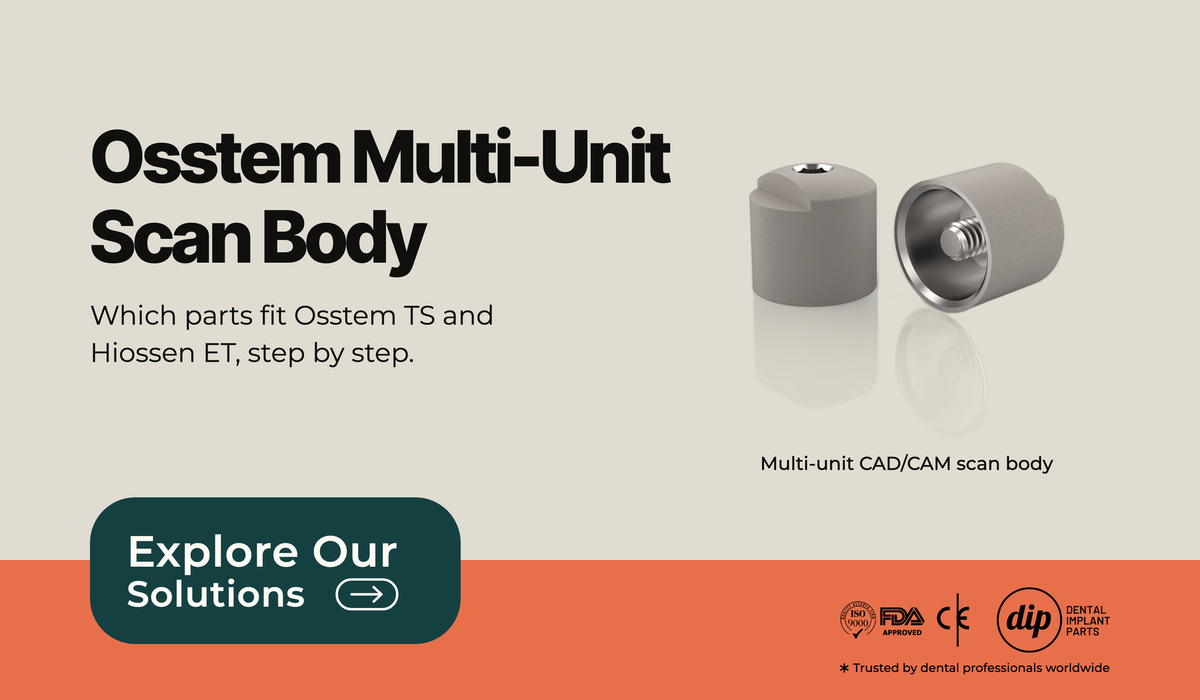
The position of each abutment is recorded either digitally, with a scan body on each abutment, or conventionally, with open tray impression copings. Our multi-unit scan body page lists Grade 5 titanium with aluminum oxide sandblasting. The open tray coping page lists medical stainless steel, a 12mm height and a Ø4.8mm diameter.
A 2026 systematic review of 23 studies (22 in vitro, 1 clinical) compared intraoral scans of complete-arch implant cases with the splinted open tray impression. Regular intraoral scans were more accurate for short spans, within premolar to premolar, and the conventional impression was more accurate for longer spans (Li et al., Journal of Prosthetic Dentistry, 2026). A full arch is a long span, so agree on the impression method with the lab before ordering.
The scan body itself also matters. A systematic review of 28 in vitro studies found that scan body diameter and position affected scan trueness, that scan body geometry affects impression accuracy, and that a subgingival implant position and a lower scan body height had a negative effect. The authors concluded that the evidence does not yet define an optimal design (Pachiou et al., Journal of Esthetic and Restorative Dentistry, 2023).
- Multi-Unit CAD/CAM Scan Body Compatible with Neodent® GM / Osstem® TS / MegaGen®: as low as $16.15
- Multi-Unit Open Tray Impression Coping Compatible with Neodent® GM / Osstem® TS / MegaGen®: as low as $11.90
For implant-level scan bodies by system, see our scan body compatibility guide.
Step 4: Lab analog for the model
The lab analog reproduces the top of the multi-unit abutment in the working model. The product page lists Grade 5 titanium, a 15mm height and a Ø4.77mm diameter.
Step 5: Ti-base, Ti sleeve or temporary cylinder
The Ti-base is the titanium interface between the abutment and the CAD/CAM framework. Our multi-unit Ti-base is listed for the Geo CAD/CAM library, so check that the lab designs in that library before ordering. The 2 in 1 Ti sleeve is a temporary sleeve that can be cut and used as a Ti-base, also with the Geo library. For a provisional, the temporary titanium sleeve cylinder comes with a screw and lists a 12mm length.
- Multi-Unit Ti-Base for Geo CAD/CAM Library Compatible with Neodent® GM / Osstem® TS / MegaGen®: as low as $15.30
- Multi-Unit Ti Sleeve 2 in 1 for Geo CAD/CAM Compatible with Neodent® GM / Osstem® TS / MegaGen®: as low as $10.20
- Multi-Unit Temporary Titanium Sleeve Cylinder with Screw Compatible with Neodent® GM / Osstem® TS / MegaGen®: as low as $10.20
If a unit is restored at implant level instead of on a multi-unit abutment, the Ti-base connects to the implant itself. Our Ti-base for Neodent GM® lists a Ø4.5mm diameter, a 4.0mm cylinder height, gingiva heights from 0.8 to 4.5mm, the Neodent GM® CAD/CAM library and an included connection screw.
- Ti-Base Abutment Compatible with Neodent GM® Grand Morse Ø4.5mm: as low as $18.70
Step 6: Prosthetic screw
The prosthesis is fixed to each multi-unit abutment with a prosthetic screw. The sleeve connection screw page lists Grade 5 titanium and compatibility with the Neodent® GM, Osstem® and MegaGen® multi-unit systems. Order one screw per abutment, plus spares for try-in appointments.
- Multi-Unit System Sleeve Connection Screw Compatible with Neodent® GM / Osstem® / MegaGen®: as low as $4.25
Before you order
- Confirm the implant system and platform from the implant record.
- Choose the angle and gingiva height for each abutment.
- Agree on the impression method with the lab: scan bodies, open tray copings or both.
- Confirm the CAD/CAM library the lab will design in.
FAQ
Do these upper parts also fit Osstem® and MegaGen® multi-unit abutments?
On our product pages, the healing cap, scan body, impression coping, lab analog, Ti-base, sleeves and screw are listed as compatible with the Neodent® GM, Osstem® and MegaGen® multi-unit systems. Check the listing on each page for the abutment you place.
Is a scan or a conventional impression more accurate for a full arch?
In the 2026 systematic review by Li et al., mostly in vitro, regular intraoral scans were more accurate for short spans and the splinted open tray impression was more accurate for long spans.
See all parts in the Neodent® GM Compatible collection, or use our compatibility finder.
Brand names are trademarks of their respective owners and are used only to describe compatibility. dip dental™ is not affiliated with, endorsed by, or a distributor for any of them.