En el panorama dental actual, en rápida evolución, la Odontología Digital ya no es un concepto futurista, es el estándar en el que confían las clínicas y laboratorios modernos para lograr eficiencia, precisión y coherencia. Un tema que a menudo suena intimidante, especialmente para aquellos que son nuevos en los flujos de trabajo digitales, son las librerías CAD/CAM. ¿La buena noticia? Son mucho más simples y potentes de lo que parecen a primera vista.
Este artículo desglosa las librerías CAD/CAM en términos claros y prácticos, ayudando a los dentistas, técnicos de laboratorio y propietarios de clínicas a entender qué son, por qué son importantes y cómo encajan perfectamente en la Odontología Digital.
¿Qué son las librerías CAD/CAM en Odontología Digital?
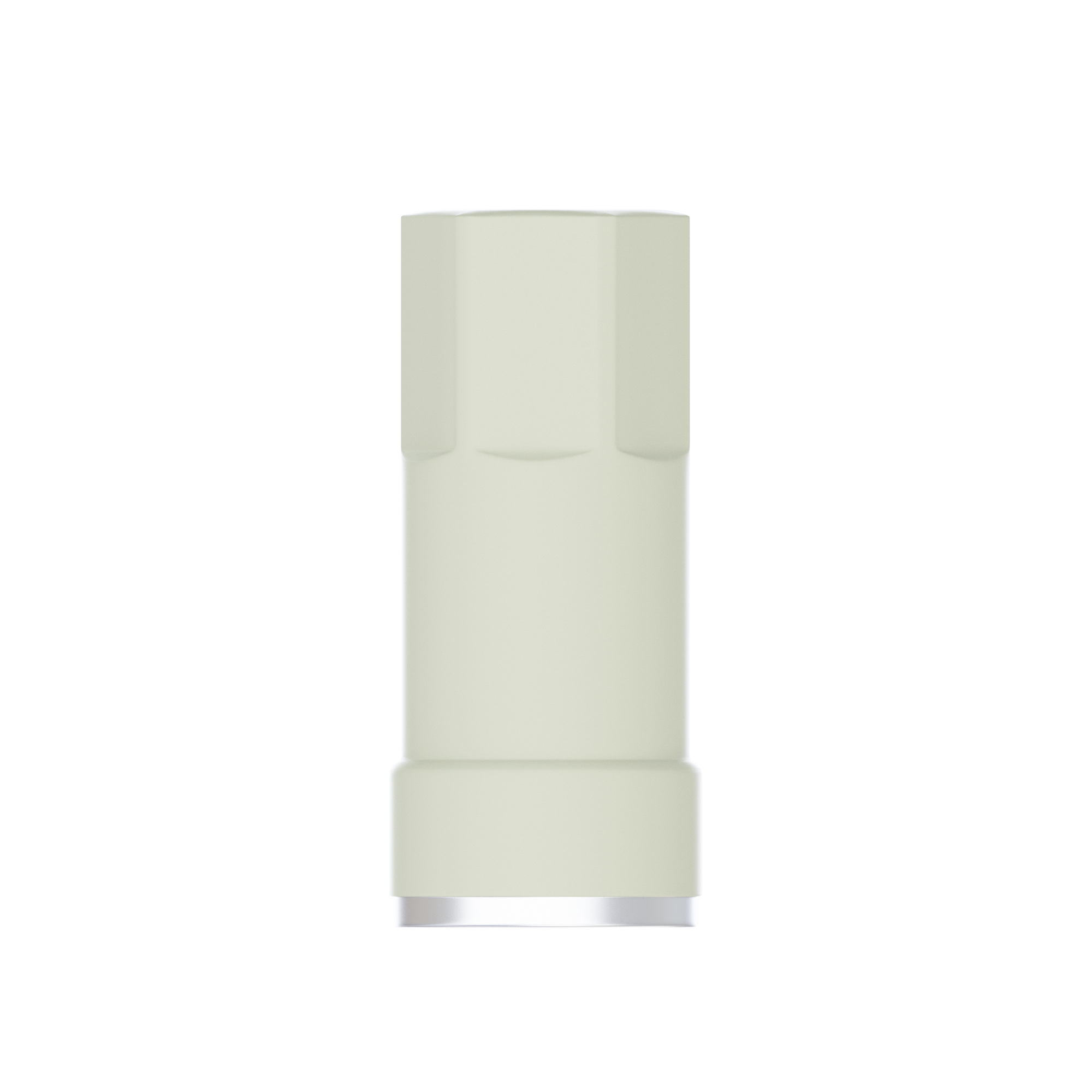
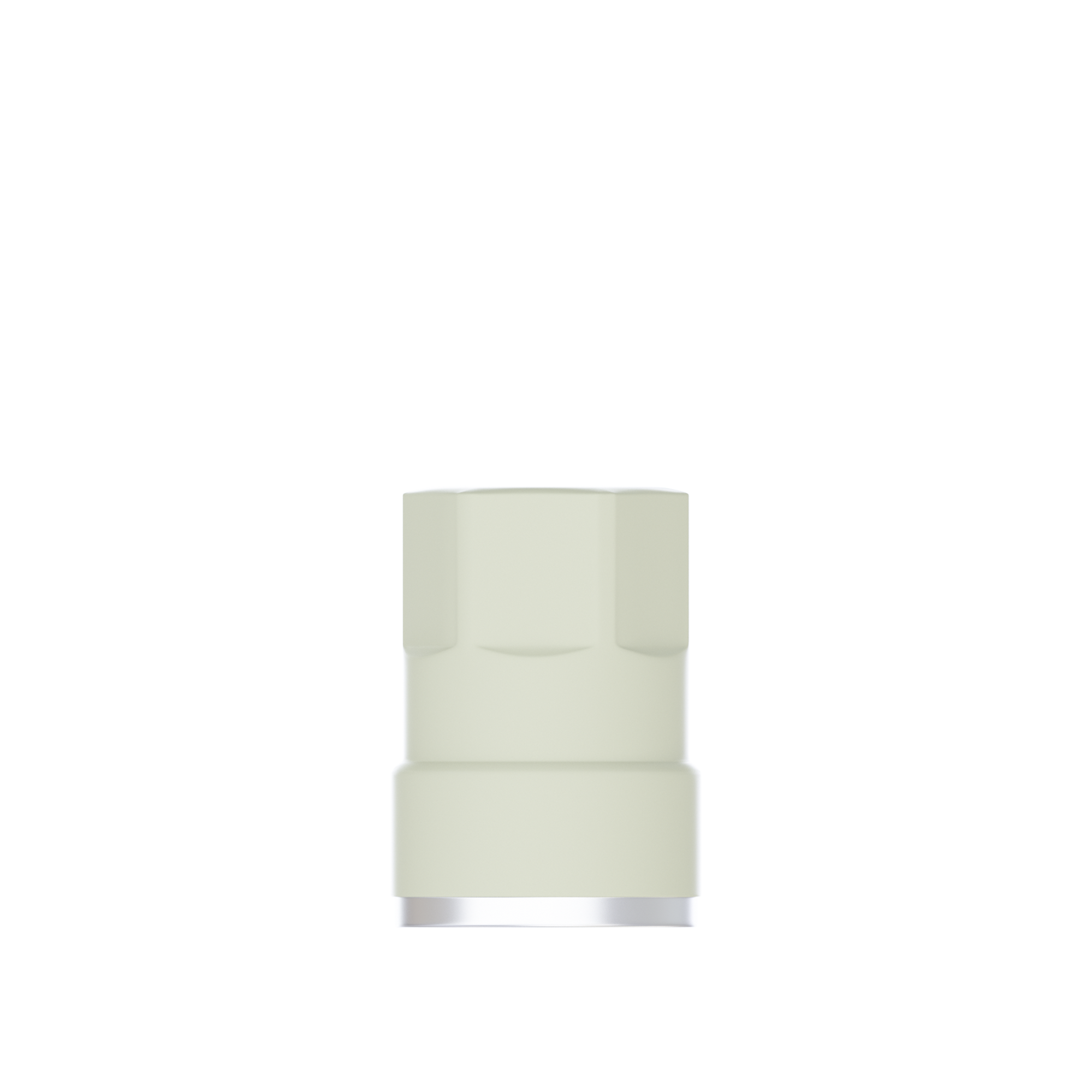
En esencia, las librerías CAD/CAM son bases de datos digitales preconstruidas de componentes dentales utilizados en los flujos de trabajo de diseño y fabricación asistidos por computadora. Estas librerías incluyen representaciones digitales precisas de:
-
Sistemas de implantes y pilares
-
Coronas y componentes de puentes
-
Dientes y bases de prótesis dentales
-
Barras, aditamentos y tornillos
En lugar de diseñar manualmente cada elemento desde cero, los profesionales dentales pueden seleccionar componentes validados de una librería que ya coincide con las dimensiones del mundo real y las especificaciones del fabricante.
En la Odontología Digital, las librerías CAD/CAM actúan como puente entre la realidad clínica y el diseño digital, asegurando que lo que se diseña en pantalla se pueda fresar o imprimir con precisión en el mundo real.
Por qué las librerías CAD/CAM parecen más complejas de lo que son
La terminología puede parecer técnica, especialmente para los clínicos que están haciendo la transición de los flujos de trabajo analógicos. Palabras como "librerías", "archivos STL" y "diseño paramétrico" pueden crear barreras innecesarias. Sin embargo, en la práctica, la mayoría de las librerías CAD/CAM funcionan de manera muy similar a:
-
Un menú de piezas compatibles
-
Una selección desplegable dentro de su software CAD
-
Un sistema "plug-and-play" que reduce las conjeturas
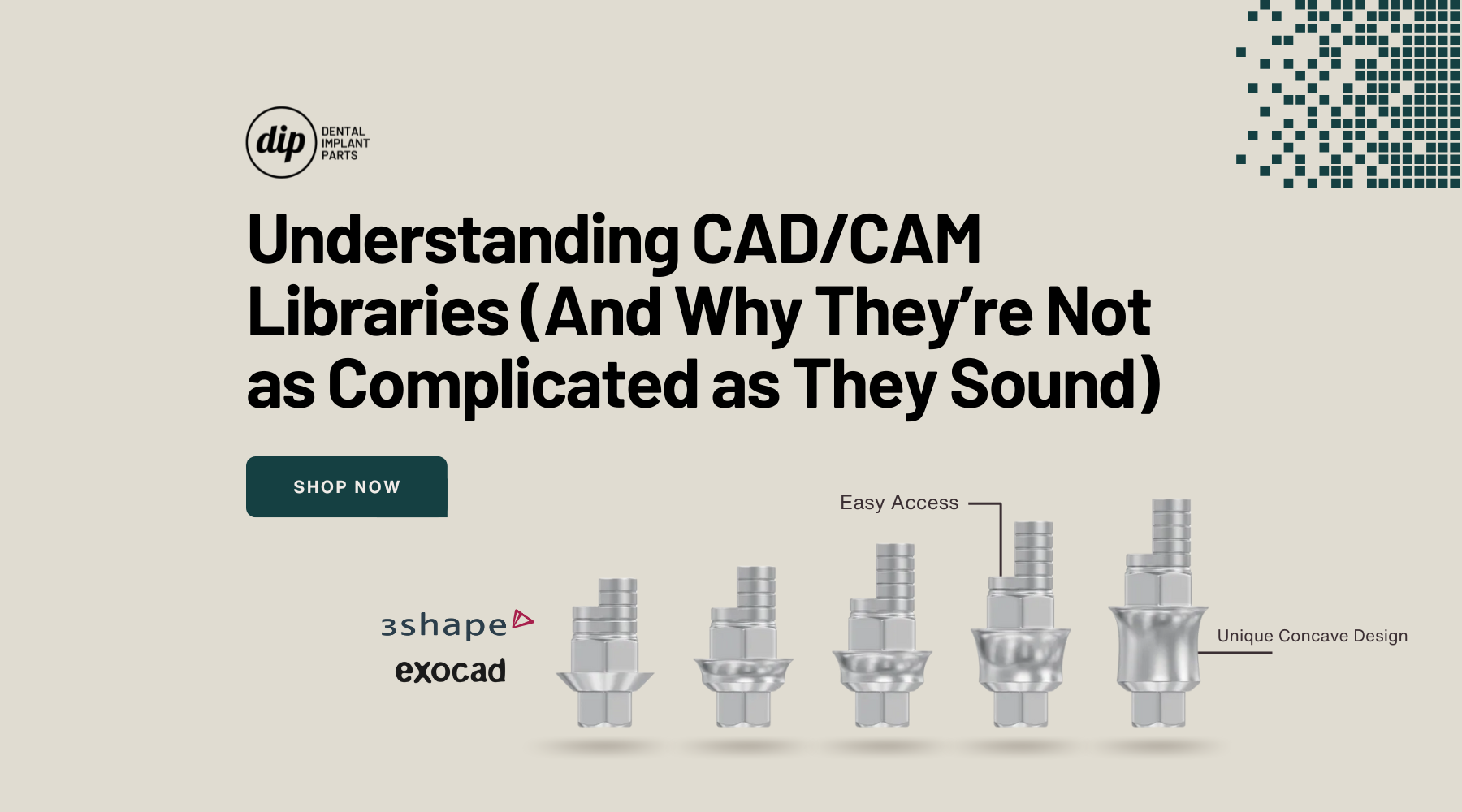
Las plataformas de software CAD modernas, incluidos los sistemas de empresas como 3Shape y Exocad, están diseñadas pensando en la facilidad de uso. La mayoría de los usuarios interactúan con las librerías a través de interfaces visuales intuitivas en lugar de configuraciones técnicas complejas.
El papel de las librerías CAD/CAM en los flujos de trabajo de la Odontología Digital
Las librerías CAD/CAM son esenciales en casi todas las etapas de un flujo de trabajo digital. Así es como respaldan la eficiencia y la precisión:
1. Precisión y ajuste
Los componentes de la librería se construyen a partir de datos certificados por el fabricante. Esto significa que los pilares, las conexiones de implantes y los componentes protésicos se alinean con precisión con los sistemas físicos, lo que reduce los ajustes en la consulta.
2. Velocidad y productividad
En lugar de diseñar componentes manualmente, los técnicos pueden seleccionar piezas validadas al instante. Esto acorta el tiempo de diseño y permite a los laboratorios escalar la producción sin sacrificar la calidad.
3. Consistencia entre casos
El uso de componentes de librería estandarizados garantiza resultados predecibles, especialmente importante para restauraciones de varias unidades o casos soportados por implantes.
En resumen, las librerías CAD/CAM ayudan a que la Odontología Digital cumpla su promesa: flujos de trabajo más rápidos, menos errores y mejores resultados para el paciente.

Tipos de librerías CAD/CAM que encontrará
No todas las librerías tienen el mismo propósito. Comprender las categorías principales ayuda a eliminar la confusión:
Librerías de implantes
Estas incluyen aditamentos de implantes, cuerpos de escaneo, pilares y tornillos. Son fundamentales para las restauraciones soportadas por implantes y deben coincidir con el sistema de implantes exacto utilizado clínicamente.
Librerías de dientes y prótesis
Utilizadas para coronas, puentes, prótesis dentales y restauraciones temporales. Estas librerías a menudo incluyen morfología dental optimizada para la estética y la función.
Librerías específicas de materiales
Diseñadas para que coincidan con materiales de fresado o impresión como el zirconio, el disilicato de litio o la resina, lo que garantiza que se respeten los parámetros de espesor y resistencia.
Cada tipo desempeña un papel específico, pero todos comparten el mismo objetivo: hacer que la Odontología Digital sea más predecible y eficiente.
Cómo las librerías CAD/CAM mejoran la comunicación entre clínicas y laboratorios
Un beneficio pasado por alto de las librerías CAD/CAM es la mejora de la colaboración. Cuando las clínicas y los laboratorios utilizan librerías compatibles:
-
Los diseños se transfieren sin problemas
-
Hay menos aclaraciones de ida y vuelta
-
Se reducen las repeticiones causadas por componentes no coincidentes
Este lenguaje digital compartido fortalece las asociaciones y agiliza los tiempos de entrega de los casos, una ventaja esencial en los mercados dentales competitivos.
¿Son difíciles de mantener las librerías CAD/CAM?
Otro error común es que las librerías requieren un mantenimiento técnico constante. En realidad:
-
La mayoría de las actualizaciones son automáticas o basadas en instaladores
-
Los fabricantes proporcionan archivos validados
-
Las librerías están organizadas por sistema y versión
Una vez instaladas, las librerías suelen ejecutarse silenciosamente en segundo plano, lo que respalda los flujos de trabajo diarios sin necesidad de una intervención frecuente.
Por qué las librerías CAD/CAM son esenciales para el futuro de la Odontología Digital
A medida que la odontología continúa digitalizándose, la importancia de las librerías CAD/CAM no hará más que crecer. Innovaciones como el diseño impulsado por IA, el fresado en la consulta y la colaboración basada en la nube dependen de componentes digitales precisos y estandarizados.
Las clínicas y laboratorios que adoptan plenamente las librerías CAD/CAM se posicionan para:
-
Adoptar nuevas tecnologías más rápidamente
-
Reducir los costos operativos
-
Ofrecer restauraciones consistentes y de alta calidad
En otras palabras, comprender las librerías CAD/CAM no es solo útil, es fundamental para el éxito a largo plazo en la Odontología Digital.
Preguntas frecuentes (FAQ)
1. ¿Necesito habilidades técnicas avanzadas para usar las librerías CAD/CAM?
No. La mayoría de los softwares CAD modernos integran las librerías a través de interfaces visuales y fáciles de usar.
2. ¿Las librerías CAD/CAM son específicas del fabricante?
Sí, especialmente las librerías de implantes. Usar la librería correcta garantiza la compatibilidad y la precisión.
3. ¿Se pueden personalizar las librerías?
Algunos softwares permiten una personalización limitada, pero los componentes principales deben seguir siendo validados por el fabricante.
4. ¿Las librerías CAD/CAM son solo para laboratorios?
En absoluto. Los sistemas en la consulta de las clínicas dependen en gran medida de las librerías para las restauraciones en el mismo día.
5. ¿Con qué frecuencia necesitan actualizarse las librerías?
Las actualizaciones son poco frecuentes y suelen coincidir con nuevos lanzamientos de productos o versiones de software.
6. ¿Las librerías CAD/CAM mejoran los resultados para el paciente?
Absolutamente. Un mejor ajuste, menos repeticiones y tiempos de entrega más rápidos mejoran directamente la satisfacción del paciente.
Consideraciones finales
Las librerías CAD/CAM pueden sonar técnicas, pero están diseñadas para simplificar, no para complicar, los flujos de trabajo dentales modernos. Al estandarizar los componentes, mejorar la precisión y respaldar una colaboración fluida, desempeñan un papel fundamental en el éxito de la Odontología Digital.
Tanto si es un clínico que explora los flujos de trabajo digitales como si es un laboratorio que busca escalar de forma eficiente, comprender las librerías CAD/CAM le permite trabajar de forma más inteligente, rápida y con mayor confianza.
Para obtener más información sobre la Odontología Digital y las soluciones dentales avanzadas, visite https://dipdental.com.